
One video
$4.99
Pay once as a guest. No account or subscription required. Save your private result link after checkout.
Make one videoAI pet photo-to-video generator
Upload one pet photo and get the viral split-screen clip: highway on top, your pet below, belted in and singing, a deadpan stare, then sunglasses. 15 seconds, vertical, ready for TikTok, Reels and X.

Your photo
No account needed. Secure checkout. Have credits? Sign in
Examples


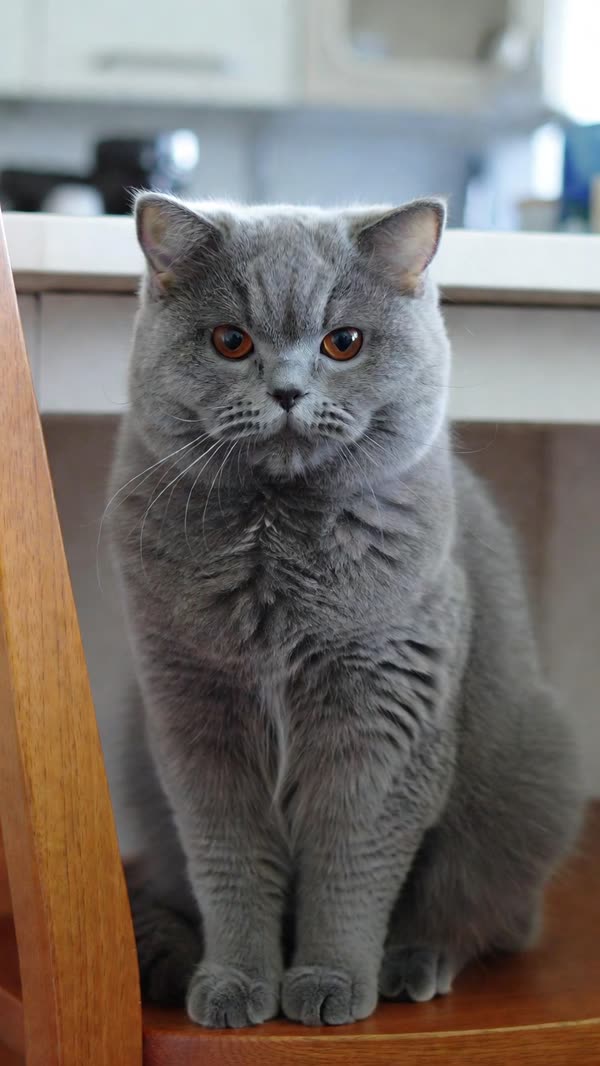

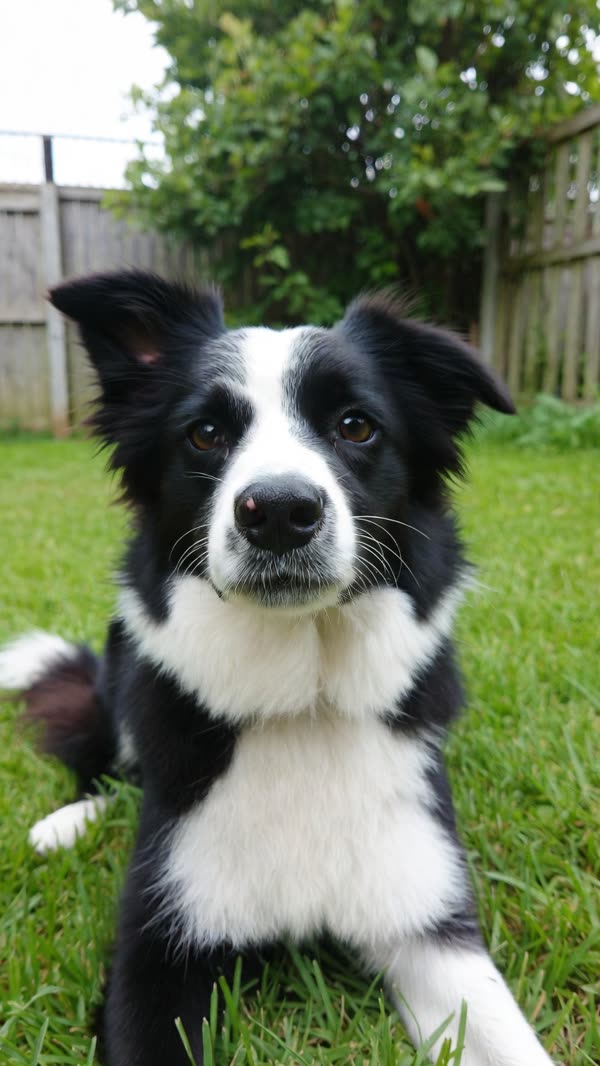
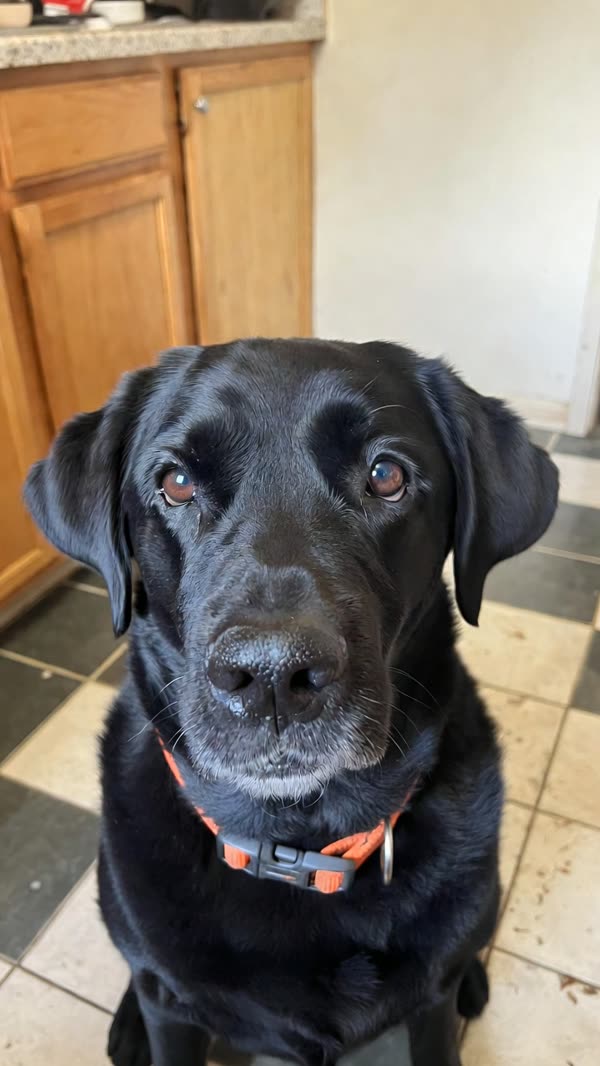
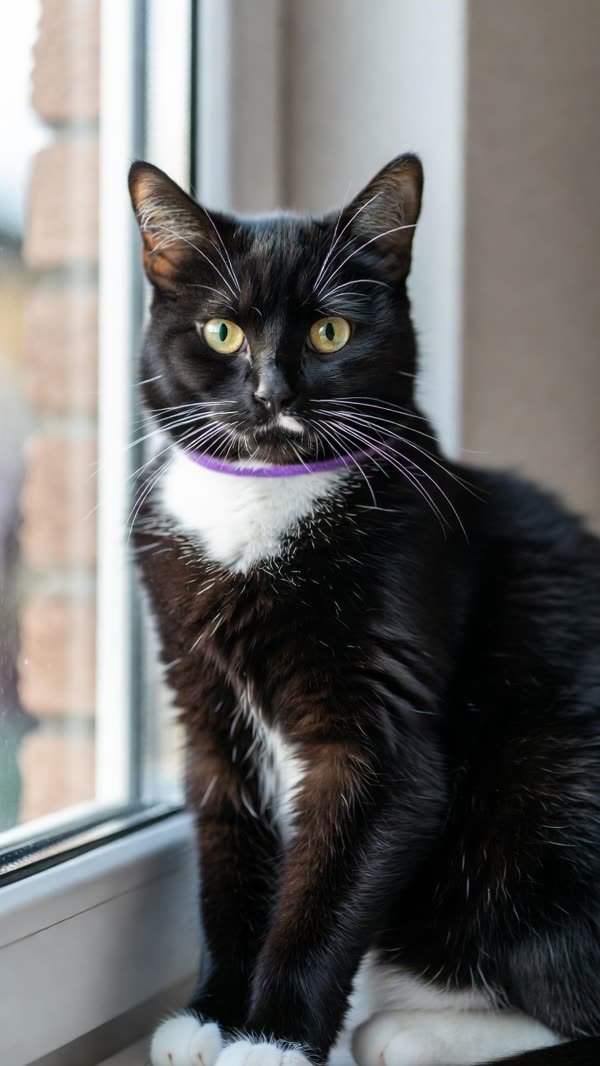
Some examples play with the trend’s original sound for reference. Your video comes with an original AI rock soundtrack; add the trending sound when you post.
It's My Life Dog is a pet-video format with a highway view above a pet singing in the passenger seat. The joke comes from the sudden serious stare, followed by sunglasses and another burst of singing. It's My Life Dog AI turns your dog or cat photo into this style of 15-second vertical video. The tool creates the scene, motion and AI soundtrack for you, so you do not need to film your pet in a car or edit a split-screen timeline. AI results vary; examples show the style, not an identical outcome for every photo.
Quick facts
| Input | 1 clear pet photo |
|---|---|
| Output | 15-second 9:16 MP4, 720p |
| Wait | About 4 to 10 minutes |
| Price | Single video or credit plans |
| Who can star | Dogs, cats and other pets |
| Layout | Split screen: highway on top, your pet below |
| Sound | Original AI rock soundtrack |
| Account | Optional for one video; required for credit plans |
| If it fails | Credits restored; guest retry or refund request |
Second by second
0–4.5s
Your pet sings along, mouth wide open, head bobbing to the beat.
4.5–5.5s
A sudden turn to face the road, mouth snapping shut.
5.5–10s
Dead still, straight face, while the music keeps going.
10–11.5s
The driver's hand slides black sunglasses onto your pet.
11.5–15s
Sunglasses on, head up, your pet belts the next line.
How it works
For a single video, use Pay and create without registering. For credit packs or monthly plans, choose Sign up, enter your name and email, and create a password. Already registered? Use Sign in. Account creation is free; video generation is paid.
Watch the eight dog and cat examples, then select Use this template. The template guides the car scene and styling; your uploaded photo supplies the pet. Choose the template before uploading, because switching templates clears the previous photo.
Use a JPG, PNG, WebP or HEIC image up to 10MB. Choose a well-lit picture of one animal with its face, ears and chest visible. A normal photo at home is enough: the AI adds the highway, seatbelt and sunglasses. Confirm that you own the photo or have permission to use it.
Guests pay the price shown on the create button through Stripe. Signed-in users buy a credit pack or monthly plan on the pricing page, return to the generator, and spend 25 credits per video. Check the selected photo and template before starting. Monthly plans renew until cancelled.
Generation usually takes around 4 to 10 minutes, depending on demand. Keep the result page open while the video is processing. Guest buyers should bookmark their private result link. If generation fails, credits are restored automatically; a failed guest video can be retried from its result page.
Play the finished result and choose Download MP4. You receive a 15-second, 720p vertical video with AI-generated audio, ready to upload to TikTok, Instagram Reels or YouTube Shorts. Review the result before posting. If you want a different soundtrack, use audio you are allowed to use in your publishing app.
Photo tips
Eyes, nose and mouth sharp and toward the camera: your pet sings and stares straight at the lens.
Your pet sits upright in the seat, so a photo of its head and chest gets its size, fur and markings right.
Daylight or a bright room. Dark photos blur black fur and faces.
One pet per photo. Two pets, or a person holding the pet, confuse who takes the seat.
Choose a single video, a one-time credit pack or a monthly plan. Every option creates the same 15-second, 720p video with AI audio.
Each video uses 25 credits.
$4.99
Pay once as a guest. No account or subscription required. Save your private result link after checkout.
Make one videoSign in and buy credits when you need them. One payment, no automatic renewal.
100 credits · 4 videos
300 credits · 12 videos
1000 credits · 40 videos
Sign in for a recurring monthly credit allowance. Unused credits carry over; cancel future renewals in Settings → Billing.
100 credits · 4 videos
300 credits · 12 videos
1000 credits · 40 videos
Questions
Choose Sign up in the header (inside the menu on mobile). Enter your name, email, password and password confirmation. Choose Sign in when you already have an account. After signing in, use the account menu for settings, credits, billing and subscription management. Use the same email when returning to your account.
Creating an account is free and does not start a subscription. There are no free generation credits included at signup. To create a video, purchase credits or a monthly plan, or use the paid single-video guest option.
Each video uses 25 credits. A 100-credit purchase covers 4 videos, 300 covers 12, and 1,000 covers 40. A credit pack is a one-time payment. A monthly plan charges and adds its stated credits each month until cancelled. Unused credits carry over. Prices and billing intervals are shown on the pricing page and confirmed at checkout.
Sign in to the account used for the purchase, open Settings, then Billing, and cancel the subscription. Cancellation stops the next renewal at the end of the current billing period. Remaining credits stay in your account. Cancellation does not automatically refund past payments; see the refund policy or contact support for help.
This site uses the shared Hittheroad Stripe merchant account. The Stripe checkout may show Hittheroad as the merchant name. Check the video or credit package, amount and billing interval before paying. For help with this site, contact support@itsmylifedogai.com.
The output includes an AI-generated rock soundtrack, not a licensed recording of the song from the trend. If you want to replace it, choose music you have permission to use in your publishing app. Example audio is not a music license for your own posts.
The templates are designed for dogs and cats. Other pets may work, but their proportions and movement can be less predictable. The AI uses your photo as the identity reference; exact markings, expressions and motion can vary.
No. Any clear photo of your pet works. The car, the seatbelt, the highway and the sunglasses are all generated.
No. This video is made for pets: the seat, the seatbelt and the moves are built around an animal, and people render oddly.
15 seconds, a vertical 9:16 MP4 at 720p with the split screen, sized for full-screen TikTok, Reels and Shorts.
An account is optional for a single guest video. Use Sign up in the navigation to create an account with your name, email and password if you want credit packs or a monthly plan. Use Sign in on later visits. Guests should bookmark the private result page after checkout; result-link emails are not currently sent.
Allow around 4 to 10 minutes, although busy periods can take longer. Keep the result page open until completion and download your MP4. Guest buyers can return using their private result link; keep that link safe.
A failed credit-based generation restores the spent credits automatically. A failed guest order offers a retry using the restored credits, or you can contact support to request a refund under the refund policy. A completed video that looks different from what you imagined is not a technical generation failure.
No. It's My Life Dog AI is an independent tool inspired by the viral trend. It is not affiliated with or endorsed by the creators of the original video, the song's artist, its rights holders or their label.
No. Your photo is only used to make your video, and we never publish your photo or video or use them in our examples.
Start with a clear pet photo. Make one video as a guest, or create an account to buy credits and manage a monthly plan.
Create yours now